See your agents in the notch.
A quiet macOS companion that keeps your AI work within reach. Monitor what your coding agents are doing in the background, jump in when they need approval.
macOS 13+ · Apple Silicon · MIT licensed
Everything important, right in your notch
Stay in your flow. AgentDock quietly mirrors your coding assistants and alerts you only when you are needed.
Your agents, together
Connect Claude Code, Codex, Cursor, Antigravity, and OpenCode in one place.
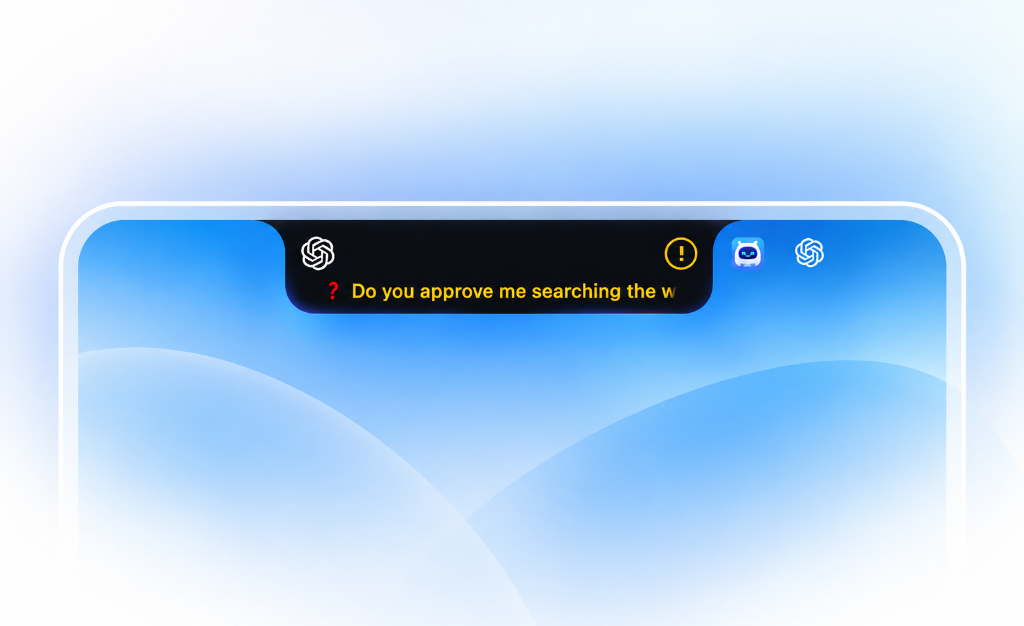
Know when you’re needed
Spot questions and approval requests while you focus on other work.
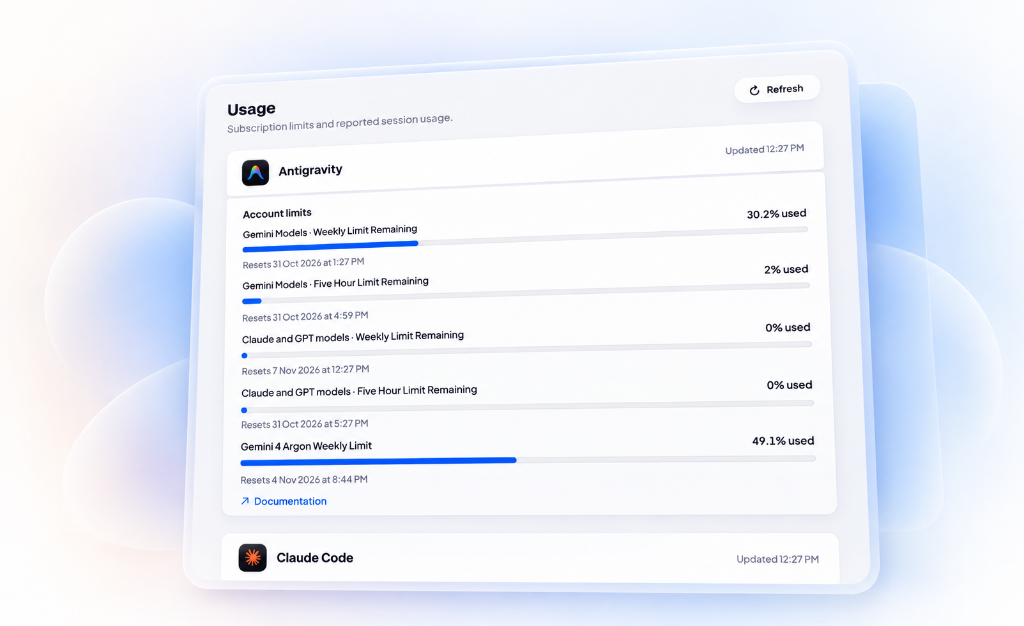
Stay on top of usage
View available usage limits, token totals, and session costs across your agents.
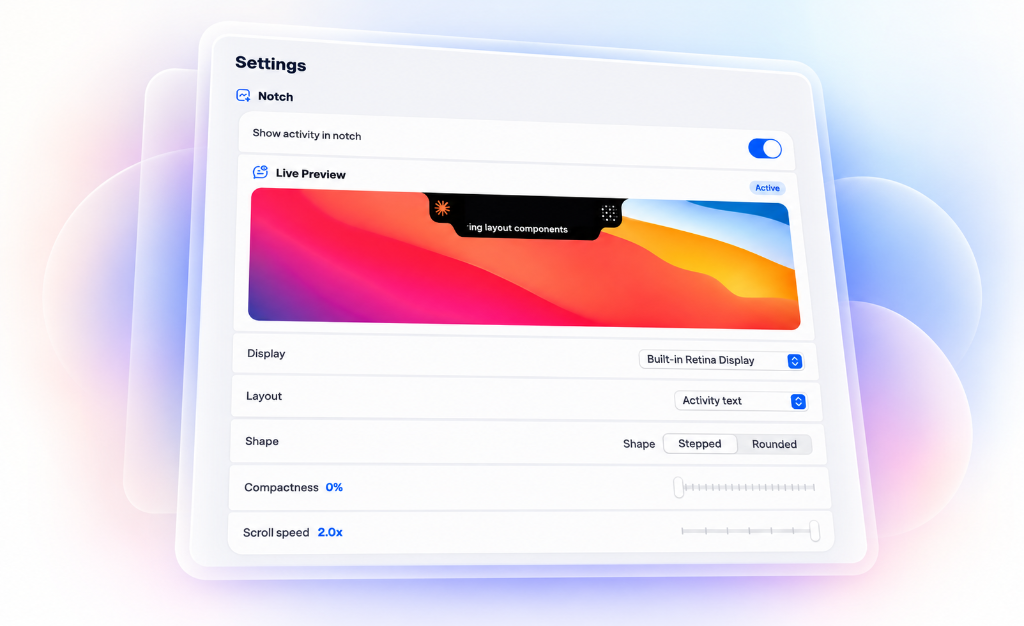
Make it yours
Adjust the notch’s appearance, choose your display, and customize sound alerts.
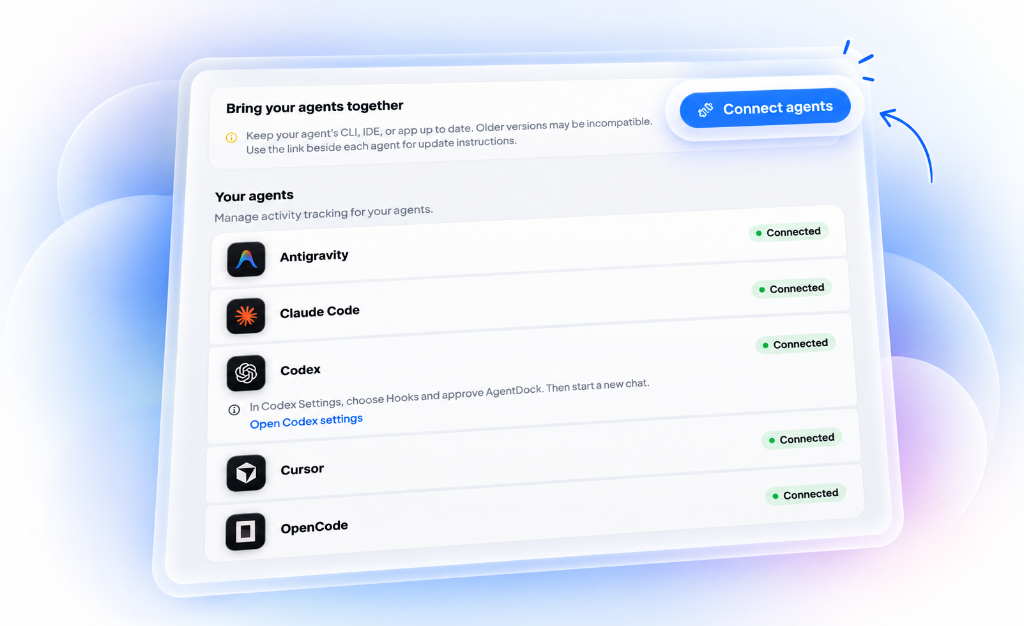
Simple to set up
Connect your installed agents and manage them from one app.
Free and open source
No subscription or license key. Explore the code, share feedback, or contribute.
Free for every
Mac user.
I built AgentDock because switching between background agent windows to check progress was breaking my flow. I want anyone using agents on a Mac to have effortless real-time awareness—completely free.
Community Edition
Full feature access. No license key or subscription required.
- Notch HUD with live real-time agent status
- Supports Claude Code, Codex, Cursor, Antigravity & OpenCode
- One-click window focus & question approval alerts
- Real-time usage quotas, token counts & reset timers
- Appearance customization: Stepped & Rounded styles
- 100% on-device & private — zero telemetry or tracking
- Full open source access under the MIT License
Common questions
Yes, 100% free and open source under the MIT License. There are no subscriptions, paywalls, hidden limits, or accounts required. I built it for my own daily workflow and open-sourced it so any Mac user can use it freely.
AgentDock operates as a non-invasive native observer—meaning it never touches your source code, intercepts your tokens, or interferes with agent runtimes. However, each AI coding agent (Claude Code, Cursor, Codex, etc.) constantly evolves its own internal schemas, logs, and CLI formats. Maintaining adapter bridges across all of them in a single Mac app is genuinely complex, so tracking older agent versions may occasionally drop out. For the best experience, keep both your agent CLIs and AgentDock up to date. The project is actively maintained on GitHub, and community feedback directly shapes updates.
Claude Code, Cursor, Codex, Antigravity, and OpenCode. You can connect them with a single click from the app's 'Your agents' setup tab.
Never. AgentDock runs completely on-device. It hosts a local loopback bridge on your Mac solely to receive status lines from your active CLI or editor session. Zero telemetry, zero analytics, and zero external network calls.
Apple Silicon Macs (M1, M2, M3, M4) running macOS 13 or later. It seamlessly integrates with both notched MacBook displays and external monitors.
It gives you a glanceable summary of your account limits, weekly quotas, and reset timers directly from each agent provider's official CLI tools, saving you trips to web dashboards.
Ready when your agents are
Download AgentDock, connect your tools once, and keep the notch in sync with real work.